
Voice that slaps
Crystal-clear, low-latency voice channels with noise and echo suppression.
The Wexo desktop app brings servers, channels, voice and screen share into one fast native window. Your people are always a click away.
Free · ~80 MB · also available for Linux →

A high-quality stream with minimal latency creates the feeling of being together: like you're watching a stream, a movie or just hanging out side by side.
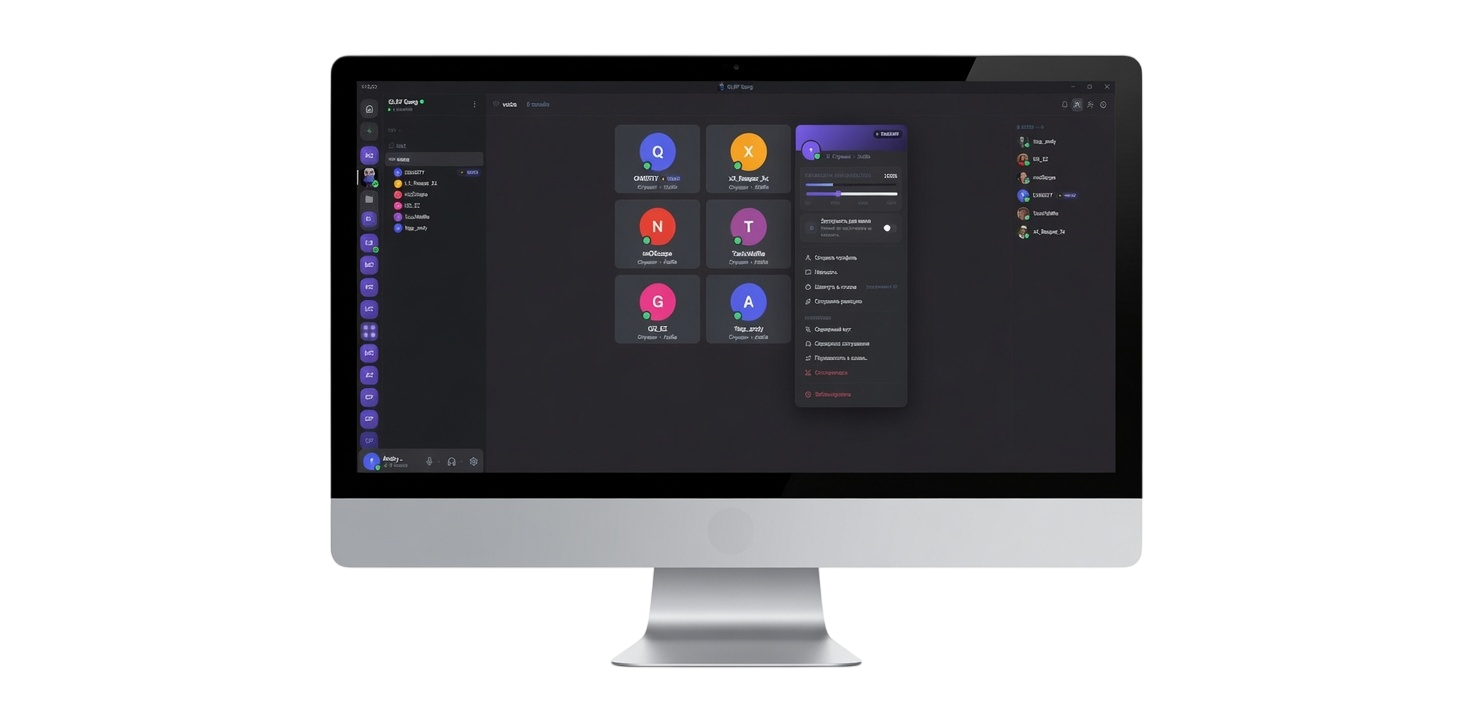

Join and leave voice channels with no invites and no calls: the channel stays live before, during and after the game.
Crystal-clear, low-latency voice channels with noise and echo suppression.
Stream a game or your screen. Friends just hop in and watch, no extra software.
Bind talk and mute to any key. Hold to talk, release to mute. Instant.
A live member list and voice status: see who's online and who's talking.
Per-channel settings and mentions: you only get pinged when it matters.
A real desktop app: opens instantly, sips memory, works while you play.
Windows 10 and 11, 64-bit.
AvailableA native app.
SoonApple Silicon and Intel.
SoonTwo packages for 64-bit systems: pick the one that fits your distro. It’s a beta for now, and updates ship together with Windows.
Installs with a double click and shows up in your app menu. On Ubuntu 24.04 and newer, this is the one to get.
Download .debOne file, no install: allow it to run in the file properties and open it. Updates itself. Won’t start? Install the fuse2 package (fuse-libs on Fedora).
Download AppImageNot everything matches Windows yet: screen share has no audio and there is no in-game overlay. Found a bug? Tell us.
No App Store needed: the web app installs as a Home Screen shortcut and works like a regular app. Its own icon, full screen, chats and calls.
Go to web.wexohub.com and sign in.
The square-with-arrow button in the middle of Safari’s bottom bar.
Scroll the action list: it’s the one with the plus icon.
The Wexo icon lands on your Home Screen and opens like a regular app: full screen, no address bar.